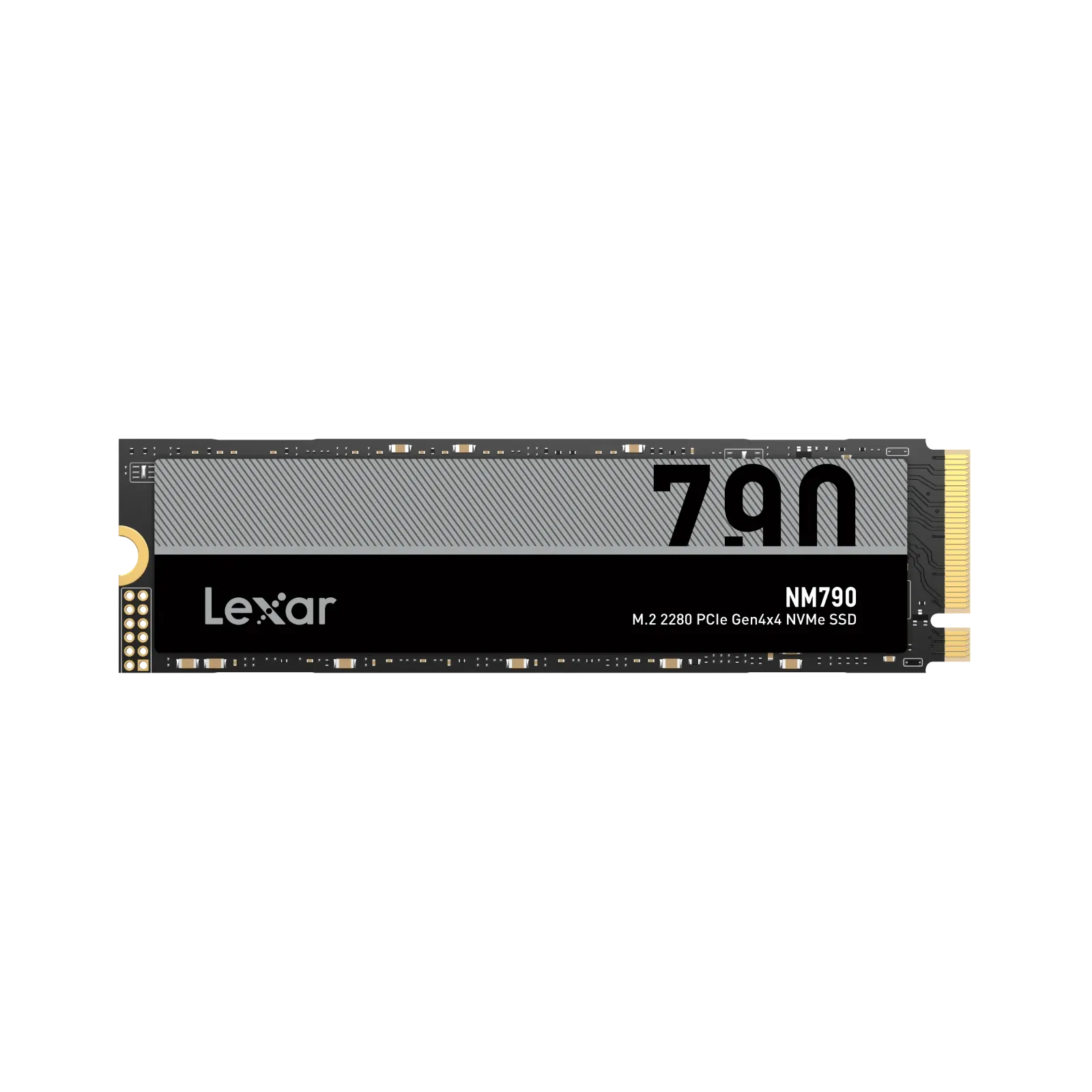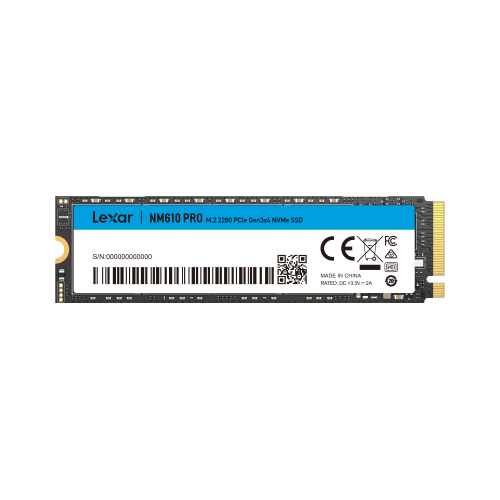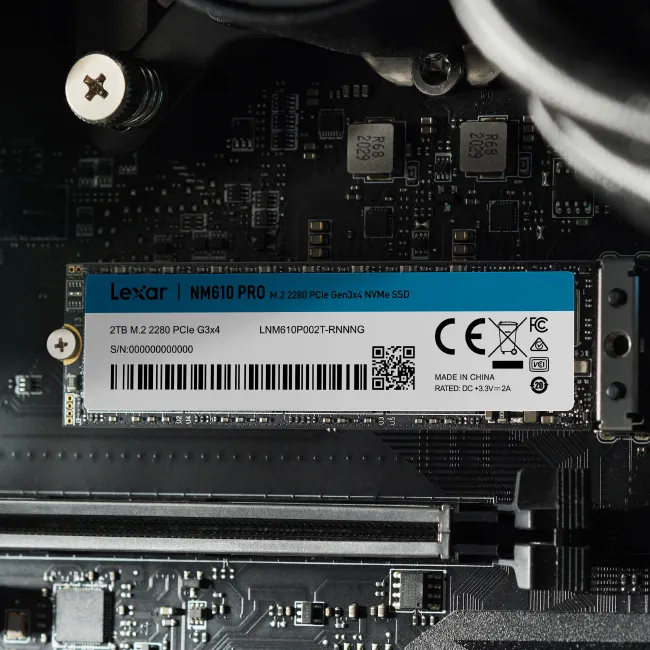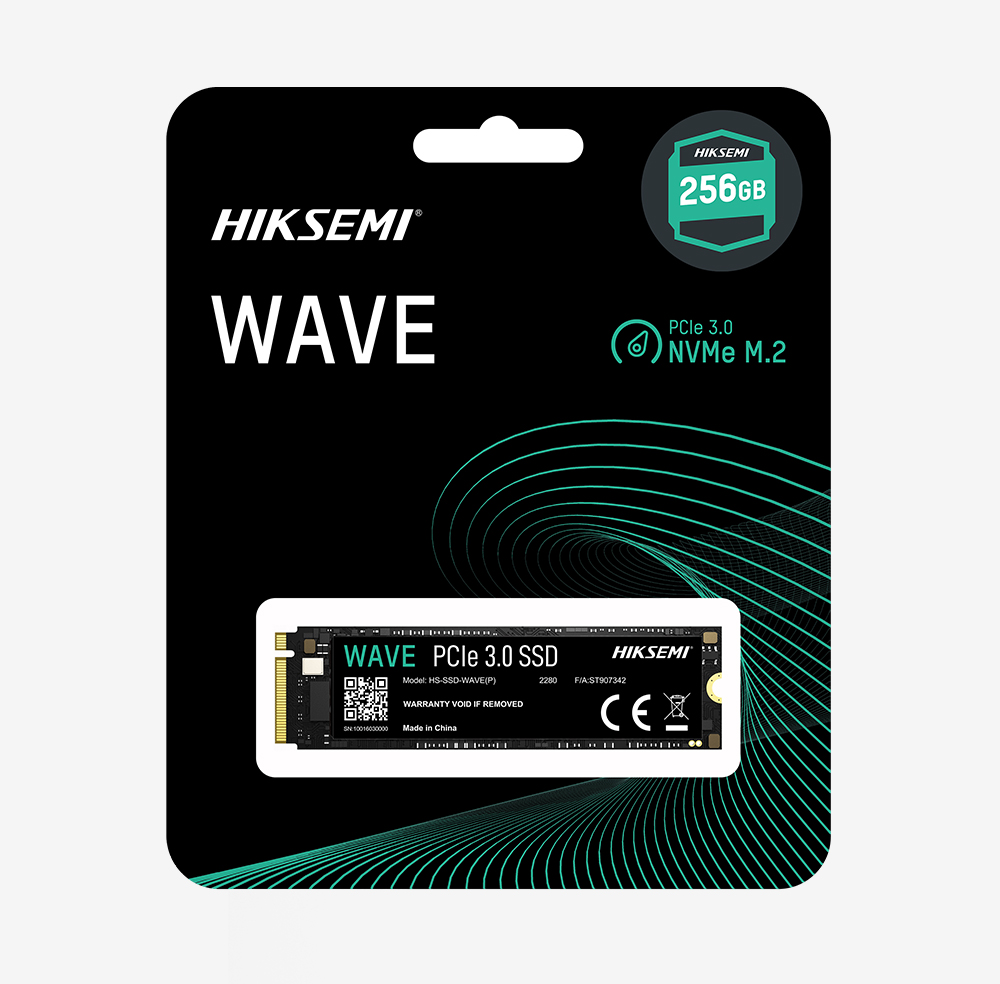
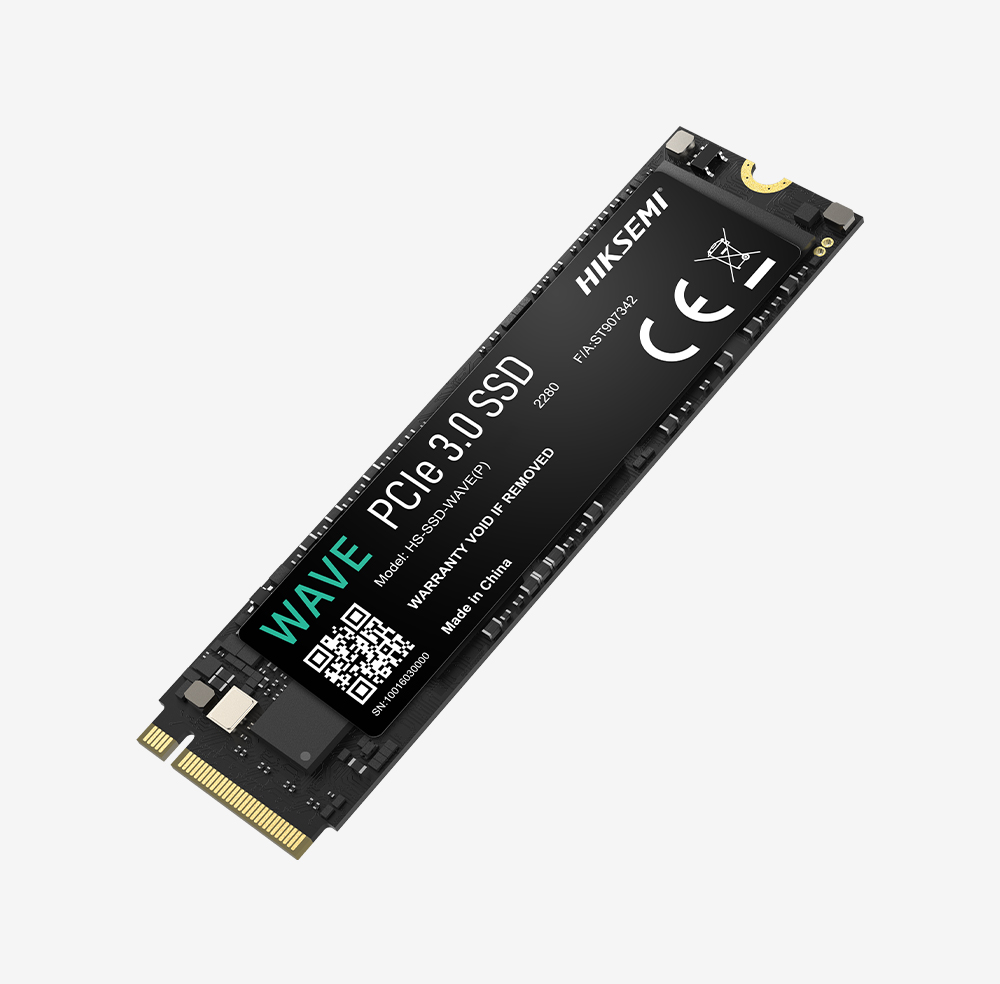
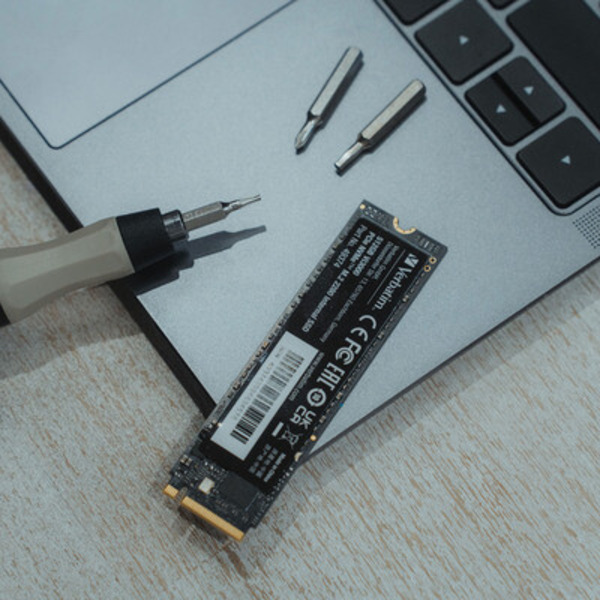
VERBATIM 512GB Vi3000 PCIe NVMe M.2 2280 SSD
Cost below 500 inside Nairobi and 500-1500 outside Nairobi.
Nairobi Same Day if placed before 3:00 PM.
Ready for pickup same day / any day if placed before 3:00 PM.
Same day before 3pm

can I summarize this for you.
If you're ready to take your system to the next level, the Verbatim 512GB Vi3000 PCIe NVMe M.2 2280 SSD delivers a massive performance boost compared to traditional SATA SSDs. Designed for speed, efficiency, and modern computing, this NVMe SSD is perfect for professionals, gamers, and anyone who demands faster load times and seamless multitasking.
Powered by PCIe Gen 3.0 x4 NVMe technology, this drive offers significantly faster data transfer speeds—up to 6x faster than SATA SSDs—giving your system the edge it needs.
The Verbatim Vi3000 512GB NVMe SSD delivers exceptional speed with:
This means your system starts faster, runs smoother, and handles demanding tasks with ease.
With 512GB capacity, you get enough space for:
It’s the ideal balance of speed, performance, and storage capacity for modern users.
Unlike traditional SATA SSDs, the Verbatim Vi3000 uses NVMe technology, which connects directly to your motherboard via PCIe, reducing latency and increasing throughput.
Benefits include:
Perfect for video editing, gaming, and heavy workloads.
The M.2 2280 form factor is compact and space-saving, making it ideal for:
Installation is quick and straightforward, with low power consumption for efficient operation.
Designed for consistent, long-term performance you can rely on.
Don’t settle for slow storage. Upgrade to the Verbatim 512GB Vi3000 PCIe NVMe M.2 2280 SSD and experience lightning-fast performance, faster boot times, and smoother multitasking.
Limited stock available—order today and unlock the full potential of your PC.
No reviews yet
Be the first to review this product configuration after procurement.