Effortless collaboration
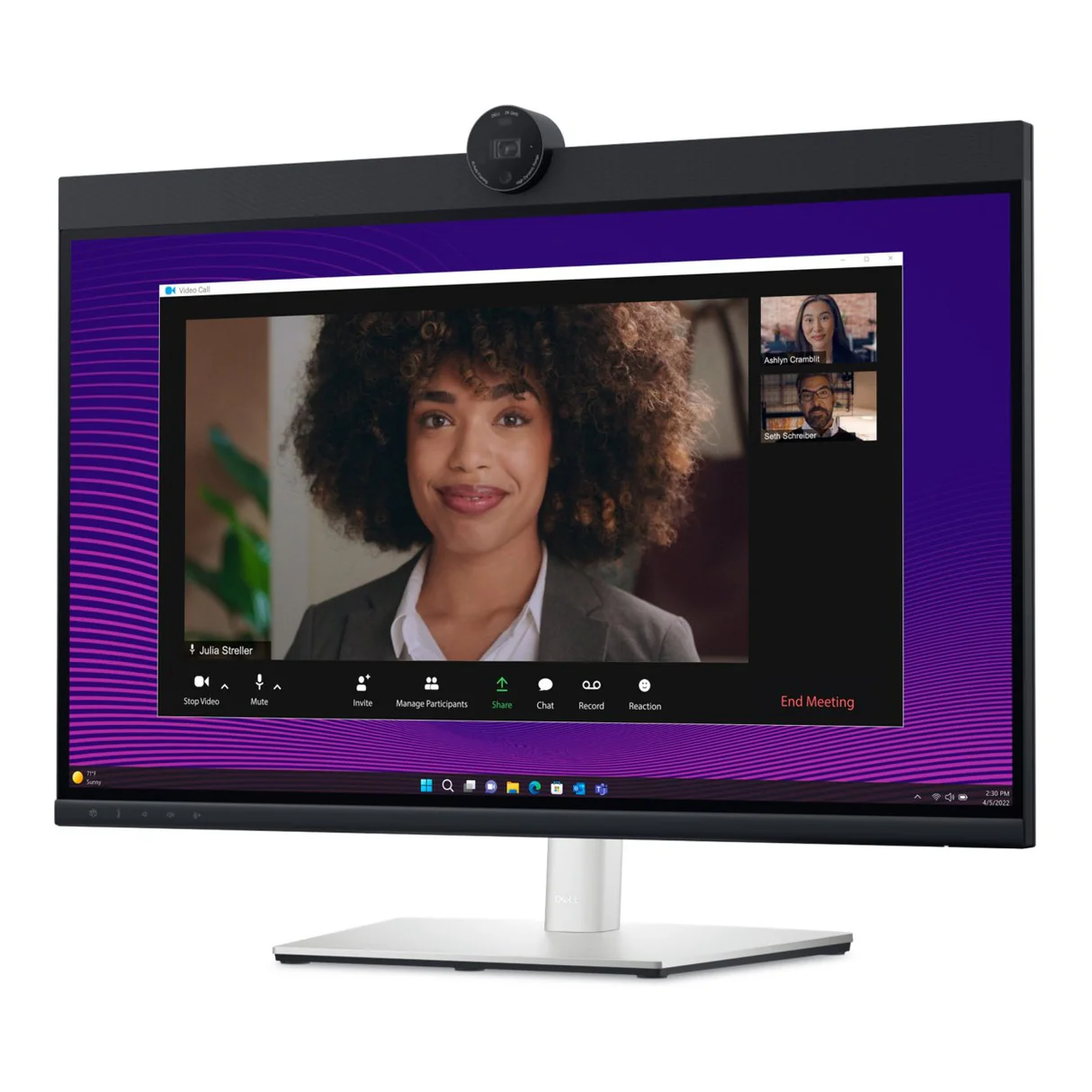
Powerful webcam: Take center stage with a 2K QHD webcam that packs a punch. The large Sony STARVIS™ sensor is 29.5% larger than the previous model, takes in substantial light to give you vibrant picture clarity and a vivid image.
Look great in low light: Temporal (3D) and Spatial (2D) Noise Reduction automatically eliminates motion blur and grainy images in low light, while AI Auto Framing keeps you in the middle of the frame even as you move around.
Loud and clear: Collaborate like you’re there with built-in dual echo-cancellation mics and dual 5W speakers, strategically positioned at the top of the monitor for an immersive audio experience.
Interaction secured: The manual webcam shutter and convenient microphone mute button on this Zoom-certified monitor help ensure that you’re only communicating what you want to share, when you want to share it.
Easier connections: Launch Teams meetings effortlessly with the quick access touch control on this certified for Microsoft Teams monitor.

Your productivity hub
Connect to productivity: With wired connectivity options like RJ45 and USB-C®, your monitor delivers reliable Ethernet, power, audio and video—all in a clutter-free setup.
The power of USB-C: Get up to 90W of power delivery via USB-C, and charge your laptop (even when the monitor is off) with the Always On Power Delivery feature. This single-cable solution also reduces cable clutter and transmits power, data and audio—all at once.
Quick convenience: Plug in whatever you need and keep it in reach with the two, super speed USB 5Gbps (USB 3.2 Gen1) quick-access ports. There’s even space to charge your mobile phone (up to 15W power charging) with the USB-C quick-access port.
Enhanced manageability: Managing your monitor is easy with MAC Address pass-through, PXE Boot, and Wake-on-LAN conveniently built in.
Multitask efficiently: Connect two PC sources to the monitor—our intelligent Auto KVM feature detects the second connected PC and seamlessly switches controls over. KVM (keyboard, video and mouse) allows you to control both PCs with a single keyboard and mouse. Plus, you can enhance efficiency by adding a second monitor via the daisy-chain feature.
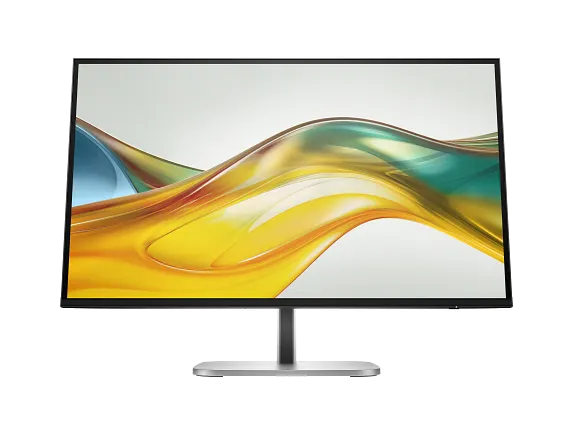
Tech Specs of
Dell Pro 27 Plus Video Conferencing Monitor – P2724DEB
27″
In-Plane Switching (IPS) technology
178° vertical / 178°horizontal
Anti-glare treatment of front polarizer (3H) hard-coating
QHD (2560 x 1440) at 60 Hz
16:9
0.2331 mm x 0.2331 mm
109
350 cd/m2(typ)
1,000:1 (typical)
LED
5 ms gray to gray (fast)
8 ms gray to gray (normal)
99% sRGB
Up to 16.7 million
Yes, TÜV-certified ComfortView Plus
Yes, TÜV-certified Flicker-free
- 1x HDMI (HDCP 1.4)
- 1x DP 1.4 (HDCP 1.4)
- 1x DP-out with MST
- 1x RJ45 Ethernet port, 1GbE
- 1x 3.5mm combo headphone with microphone jack
- 1x USB 3.2 Gen1 Type-C (Alt mode with DP 1.4 upstream, up to 90W power delivery)
- 1x USB 3.2 Gen1 Type-B upstream
- 2x USB 3.2 Gen1 Type-A downstream
- 1x USB 3.2 Gen1 Type-C downstream with up to 15W power delivery
- 1x USB 3.2 Gen1 Type-A downstream with BC1.2 (2A max)
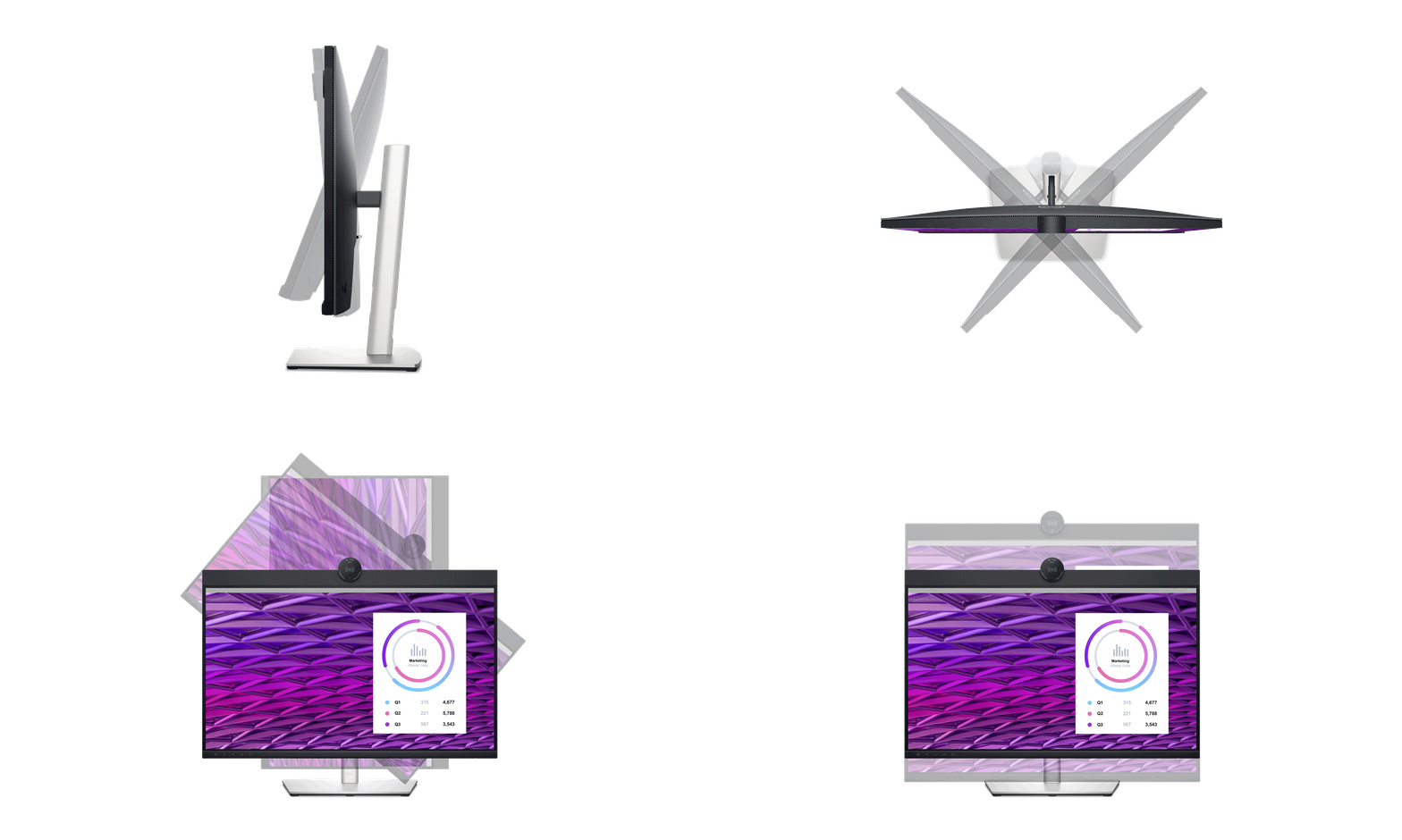
Height, tilt, swivel, and pivot
Up to 150mm (5.9″)
-5° / 21°
Bi-directional 45° / 45°
Bi-directional 90° / 90°
100mm x 100mm
1x 4MP RGB + IR 2K camera at 30 fps (FHD at 60 fps)
2x digital microphone
2x 5W built-in speaker
Yes
Yes, supports Multi-Stream Transport (MST) and Multi-Monitor Sync (MMS)
Dell Power Button Sync (DPBS)
Dell Display Manager
Yes, based on Kensington Security SlotTM
100 VAC ~ 240 VAC / 50 Hz or 60 Hz ± 3 Hz / 2.5 A (max)
0.3W
0.3W
0.9W
26.0W
210W
Yes
Gold
TCO 9 and TCO Certified Edge
Yes
Operating: 0°C ~ 40°C (32°F ~ 104°F)
Operating: 10% ~ 80% (non-condensing)
1x Monitor panel
1x Stand riser
1x Stand base
1x Quick setup guide
1x Safety, Environmental, and Regulatory Information
1x Power cable
1x DP-to-DP cable (1.8m)
1x USB 3.2 Gen2 Type C-to-C cable (1.0m)
1x USB 3.2 Gen1 Type A-to-B upstream cable (1.8m)
440.79 mm x 611.78 mm x 230.00 mm
415.82 mm x 611.78 mm x 59.61 mm
8.27 kg
5.65 kg
3-year Limited Hardware Warranty with Advanced Exchange Service and Premium Panel Exchange